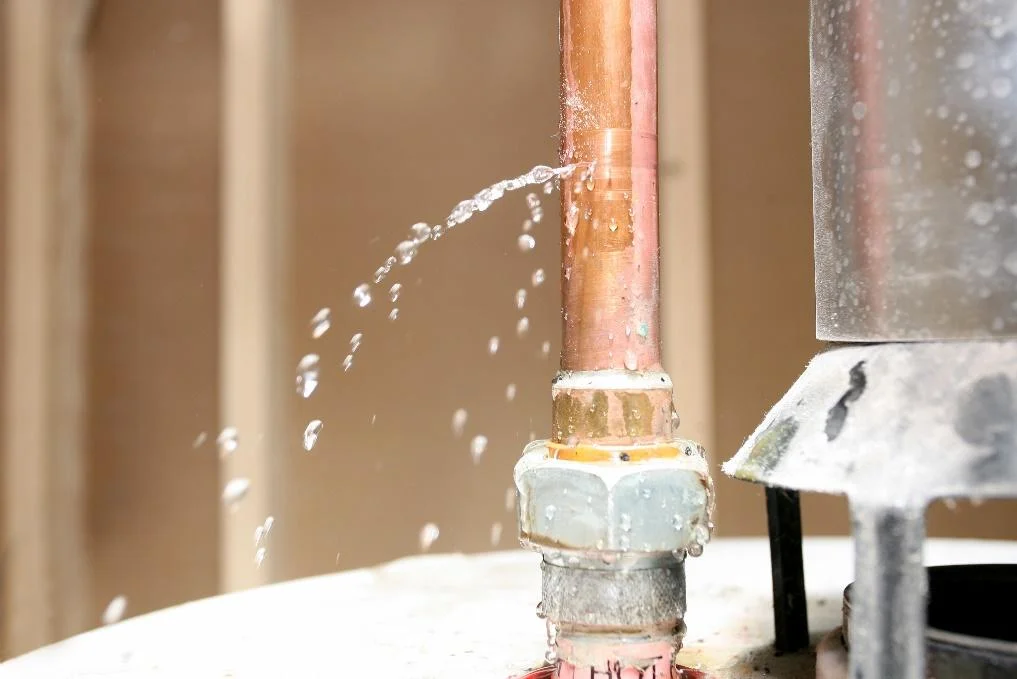
Installation Only Takes a Couple of Minutes
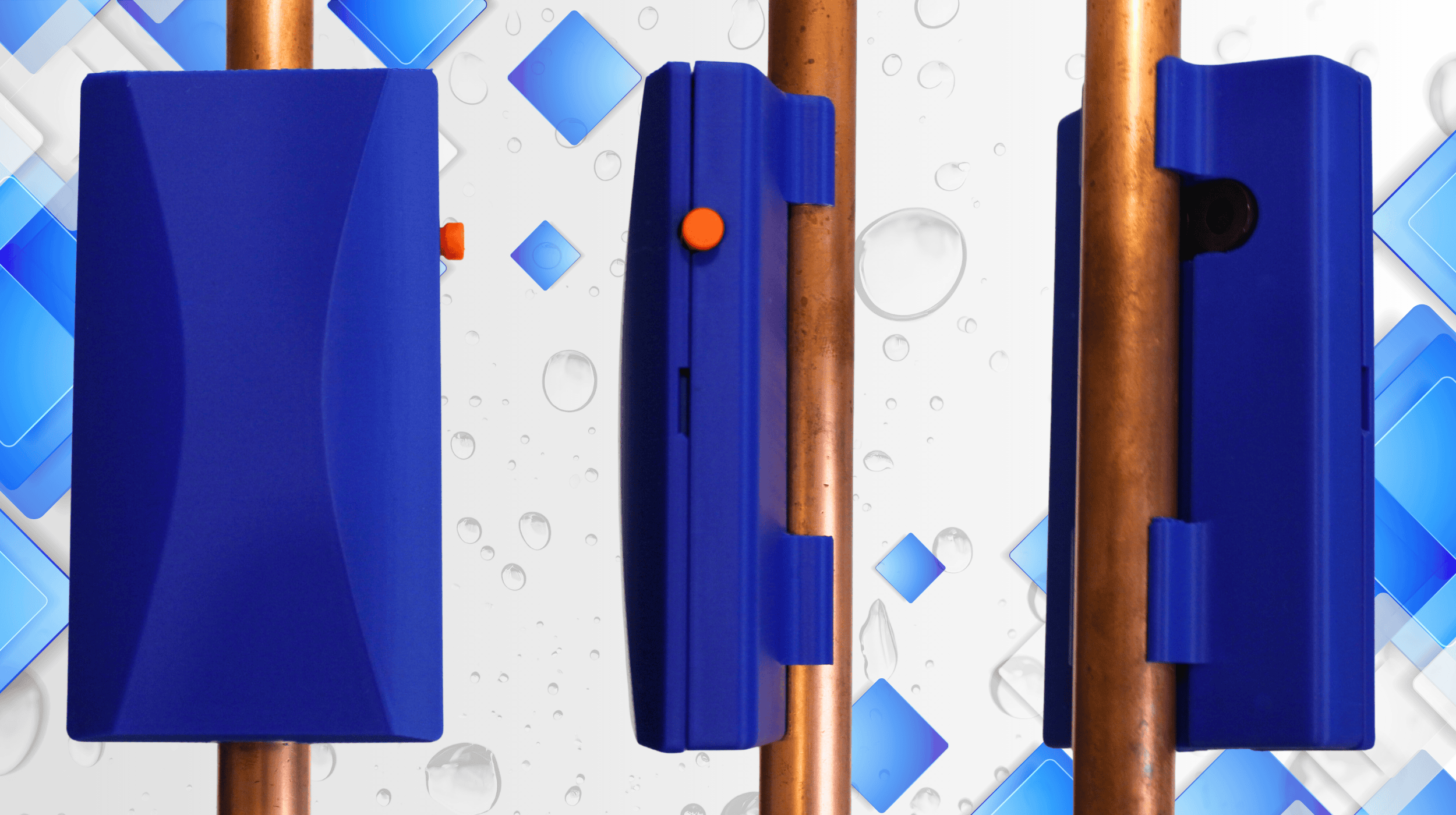
The Hyra-Guard snaps to the pipe at the mains inlet to the property. For increased sensitivity (especially to existing but unknown leaks), the mains should be turned off via the main feed stop cock during installation. Reduction of external noises during the process increases performance, althougth it is able to adapt and compensate to these during operation.
Configuration
Power up the device with the included USB supply and lead.
Once powered up the HydaGuard runs through a few self tests and calibration and will sound the alarm a few times. Once operational the white/blue LED will flash regularly meaning you can connect.
The HydraGuard acts as a WiFi access point and can be found in your available Wifi APs. Allow time for it to 'always connect'. It will then be able to go to the HydraGuard webpage on 192.168.4.1. The username is 'admin' and password is 'password'. The login password can be changed. If the password is forgotten and you are unable to access the device. Pressing the side button of the Hydra-Guard for 30 seconds defaults the unit to factory settings.
Operation
Once installed, continuous Monitoring.
With the installation complete and the Hydra-Guard located in a quiet area, the Hydra-Guard will detect and both audiably alarm and send a SMS message upon detecting any plumbing leaks. The white/blue LED flashes regually monitoring for irregular flow, the red LED light will show when the Hydra-Guard detects a flow and the light will be off when it cannot detect a flow. With high sensitivity this will occur often. The green LED is lit when it has a stable WiFi connection which is necessary for SMS messaging.